Choosing a Computer for a Retail Shop or POS System in Kenya
Find a reliable computer for shop sales, stock control and point-of-sale software by checking compatibility, connectivity and backup power.
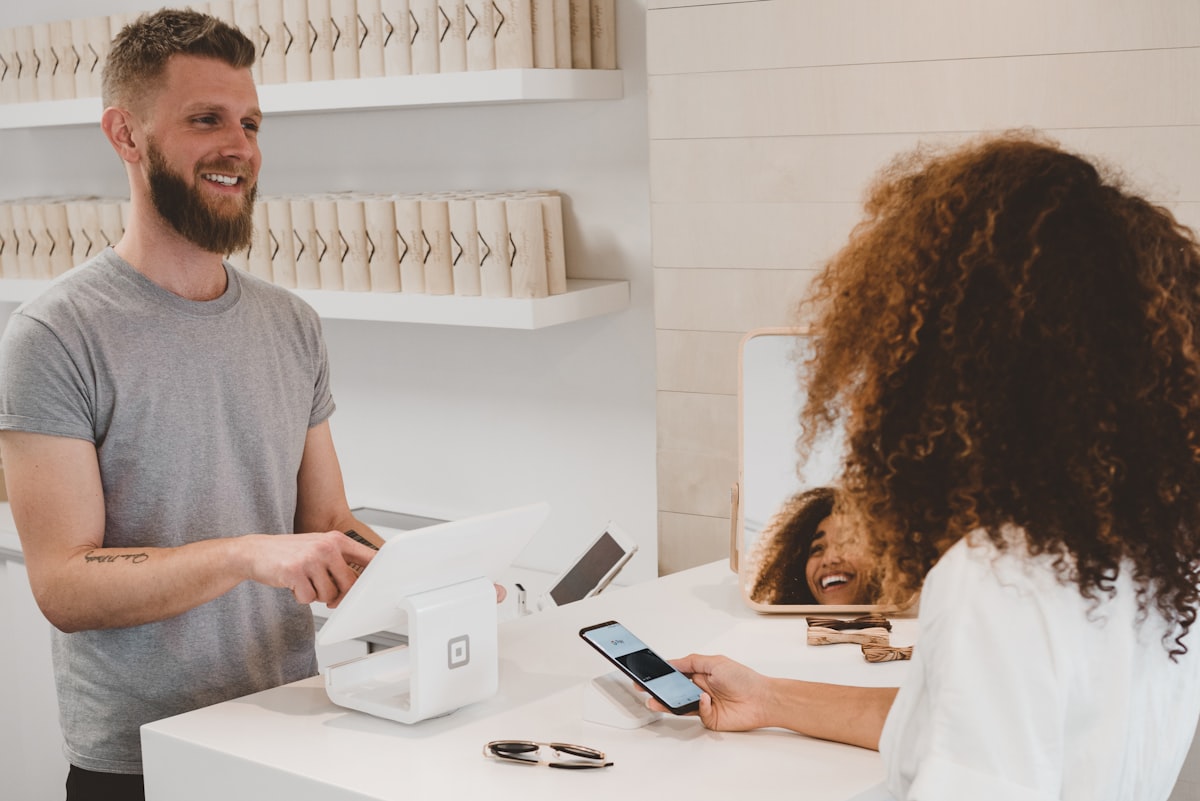
A retail shop computer may run a point-of-sale (POS) system, inventory software, receipt printer, barcode scanner and daily sales reports. The best device is not necessarily the most powerful one; it is the one that reliably supports the shop's software and peripherals.
Confirm the POS software requirements
Before buying hardware, ask the POS provider for its supported operating system, processor, memory, storage and browser requirements. Some systems run in a web browser, while others require a locally installed application. Confirm whether the software supports Windows, Android or another platform.
Choose a suitable computer type
A desktop can be practical for a fixed checkout counter because it supports a separate monitor and peripherals. A laptop may suit a small business that needs portability or has limited counter space. All-in-one computers can reduce cable clutter, but check repairability and available ports.
Check peripheral connections
List the devices the shop uses: receipt printer, barcode scanner, cash drawer, customer display, label printer and network connection. Confirm the exact USB, serial, Ethernet or wireless requirements. Some cash drawers connect through a compatible receipt printer rather than directly to the computer.
Plan for reliable power and internet
A UPS can provide time to save work and shut down safely during a power interruption. If the POS depends on cloud connectivity, understand what happens when the internet goes down and whether the system supports offline sales. Use a stable router and secure staff Wi-Fi appropriately.
Protect sales and customer data
Use individual staff accounts where supported, restrict administrator access and keep software updated. Back up sales and inventory data according to the provider's instructions. Test restoration and understand how the system handles user permissions and audit records.
Before purchasing
- Get the POS vendor's hardware requirements.
- Confirm compatibility with printers and scanners.
- Check RAM, SSD capacity and available ports.
- Decide whether a desktop or laptop fits the counter.
- Plan UPS backup and internet continuity.
- Confirm warranty and local technical support.
A little planning can prevent costly compatibility problems after installation. Share your POS software name and the peripherals you use with your supplier so the computer can be matched to the actual shop setup.