How to Set Up a Small Office Computer Network
Plan a dependable small office network with a suitable router, switches, Wi-Fi access points, secure passwords, backups and basic documentation.
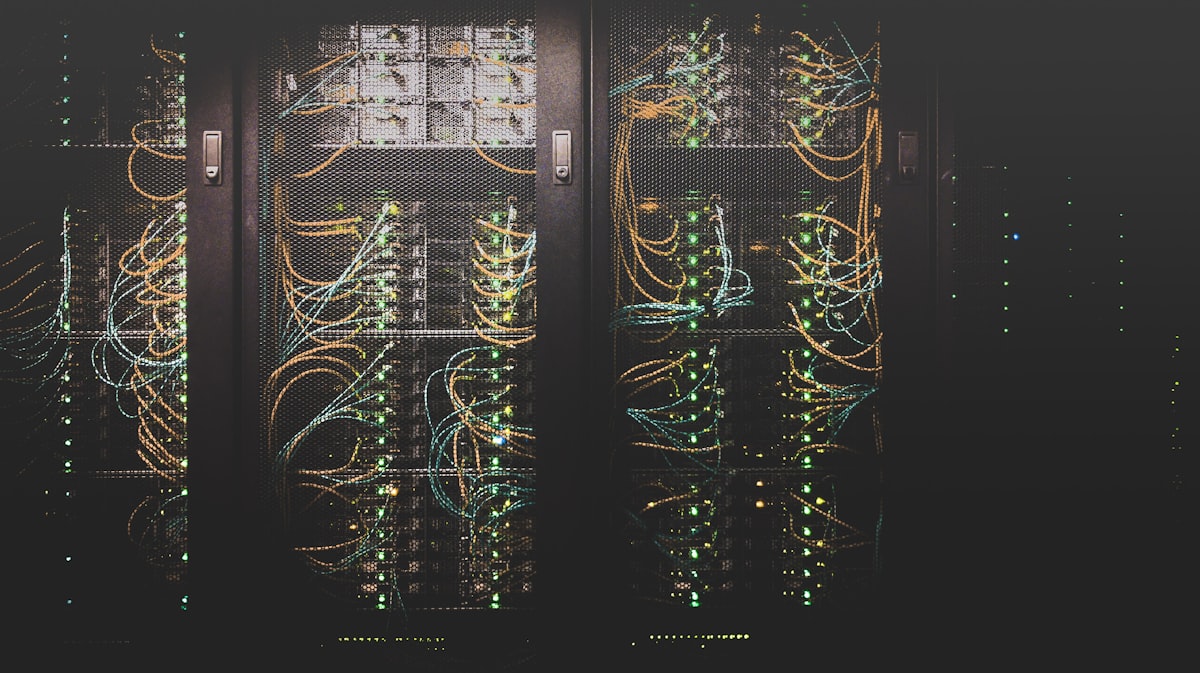
A small office network connects computers, printers, phones and shared services so employees can work efficiently. A reliable setup begins with a clear plan: how many devices need access, which areas need Wi-Fi, whether wired connections are important and what security controls the business requires.
Map the office and count devices
List desktop computers, laptops, printers, network storage, IP phones, cameras and guest devices. Note where equipment will be placed and identify rooms where wireless coverage may be weak. This simple inventory helps determine the number of router ports, switches and access points required.
Choose the internet and router equipment
Confirm the internet service and equipment supplied by the provider. The router should support the connection type, expected number of devices and required security features. For larger offices, separate wireless access points can improve coverage. A network switch adds wired ports when the router does not have enough.
Use wired connections where practical
Ethernet connections are useful for desktop computers, printers, servers and other fixed equipment. They can provide consistent performance and reduce congestion on Wi-Fi. Use suitable cabling and label both ends so that future troubleshooting is easier.
Separate staff and guest access
Use a strong administrator password and modern Wi-Fi security. Create a guest network for visitors so their devices do not share the same access as business computers and printers. Change default credentials and keep router and access-point firmware updated.
Plan backups and continuity
If employees share important files, decide where those files are stored and who can access them. Maintain backups separate from the primary device and test restoration. Consider a UPS for essential networking equipment if short power interruptions regularly disrupt work.
Document the network
Keep a simple record of equipment models, locations, cable labels, Wi-Fi network names, support contacts and configuration backups. Store sensitive passwords securely rather than writing them in a document available to everyone.
Small office network checklist
- Device and room inventory.
- Compatible router and internet connection.
- Switches and access points where needed.
- Ethernet cabling for fixed devices.
- Separate guest Wi-Fi.
- Strong passwords and firmware updates.
- Backup and power-continuity plan.
- Network documentation.
A well-planned network is easier to expand and troubleshoot than a collection of devices connected without a layout. For a growing office, have the installation assessed against the building layout, number of users and business applications before buying equipment.