Laptop Not Charging? 8 Things to Check Before Replacing the Battery
A laptop that will not charge may have a faulty adapter, damaged port, power setting or battery. Use these checks to narrow down the cause.
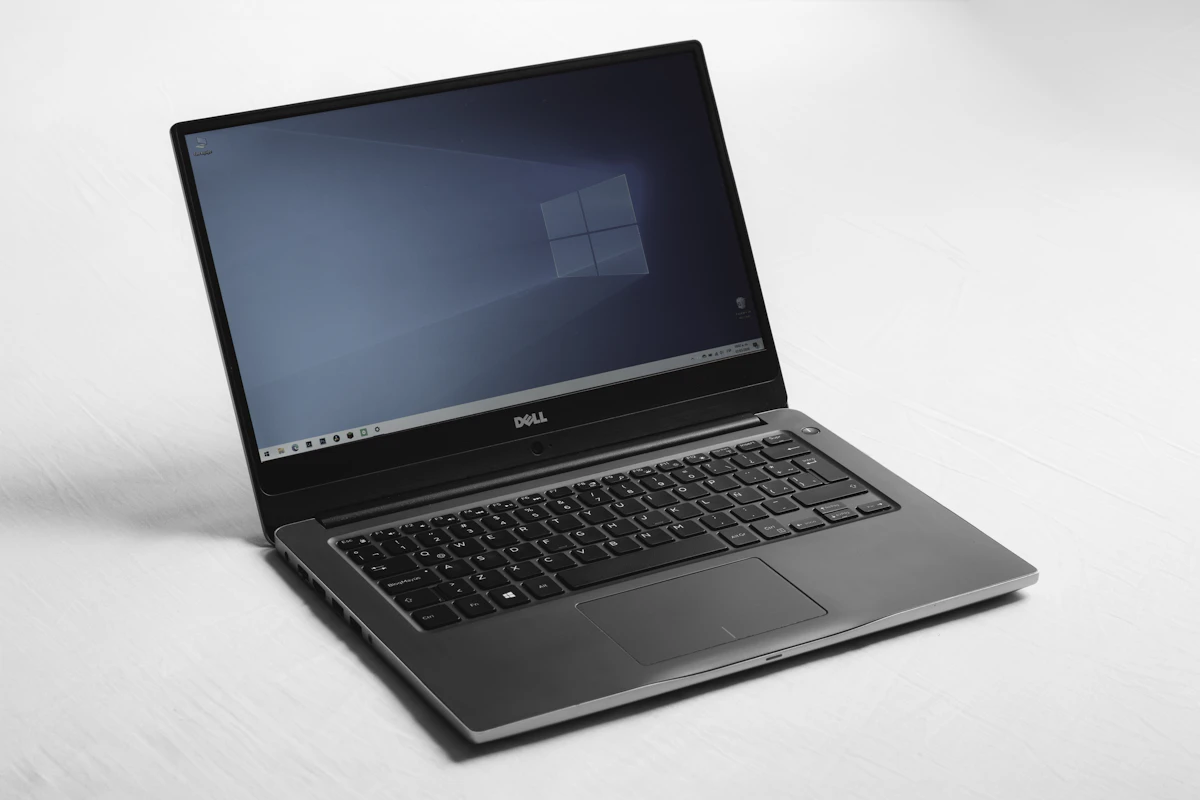
A laptop that is not charging does not always need a new battery. The problem may come from the charger, wall socket, charging port, power settings or the battery itself. Before buying replacement parts, work through these checks carefully.
1. Check the wall socket and power cable
Test the socket with another device and make sure the charger is firmly connected at both ends. If the adapter has an indicator light, check whether it turns on. Avoid using a cable with exposed wires, burn marks or a loose connector.
2. Confirm that the charger is compatible
Laptop chargers differ in voltage, wattage, connector size and charging technology. USB-C charging also depends on the laptop and adapter supporting the required USB Power Delivery profile. Use the manufacturer's recommended charger or a verified compatible replacement; an adapter that fits physically may still be unsuitable.
3. Inspect the charging port
Look for dust, looseness or visible damage. Do not push metal objects into the port. If the connector moves excessively or charging works only when held at an angle, the port may need professional inspection.
4. Restart and check battery settings
Restart the laptop and check the operating system's battery status. Some manufacturers include battery conservation modes that intentionally stop charging around a set percentage to extend battery lifespan. Check the laptop's official power-management utility before assuming the battery has failed.
5. Check for heat and battery warnings
A laptop may pause charging when it becomes too hot. Shut it down, disconnect power and let it cool on a hard surface. If the battery is swollen, the case is lifting or there is an unusual smell, stop using the device and arrange qualified service.
6. When should you replace the battery?
If a known-good compatible charger works but the laptop still cannot hold charge, the battery may be worn. Battery replacement should match the exact laptop model and use a reliable part.
Record the laptop model, charger rating and any error message before seeking help. A technician can test the adapter, charging port and battery to identify the actual fault instead of replacing parts unnecessarily.