Laptop Ports Explained: USB-C, HDMI, USB-A and More
Understand common laptop ports and what they support so you can connect monitors, storage devices, chargers, networks and other accessories.
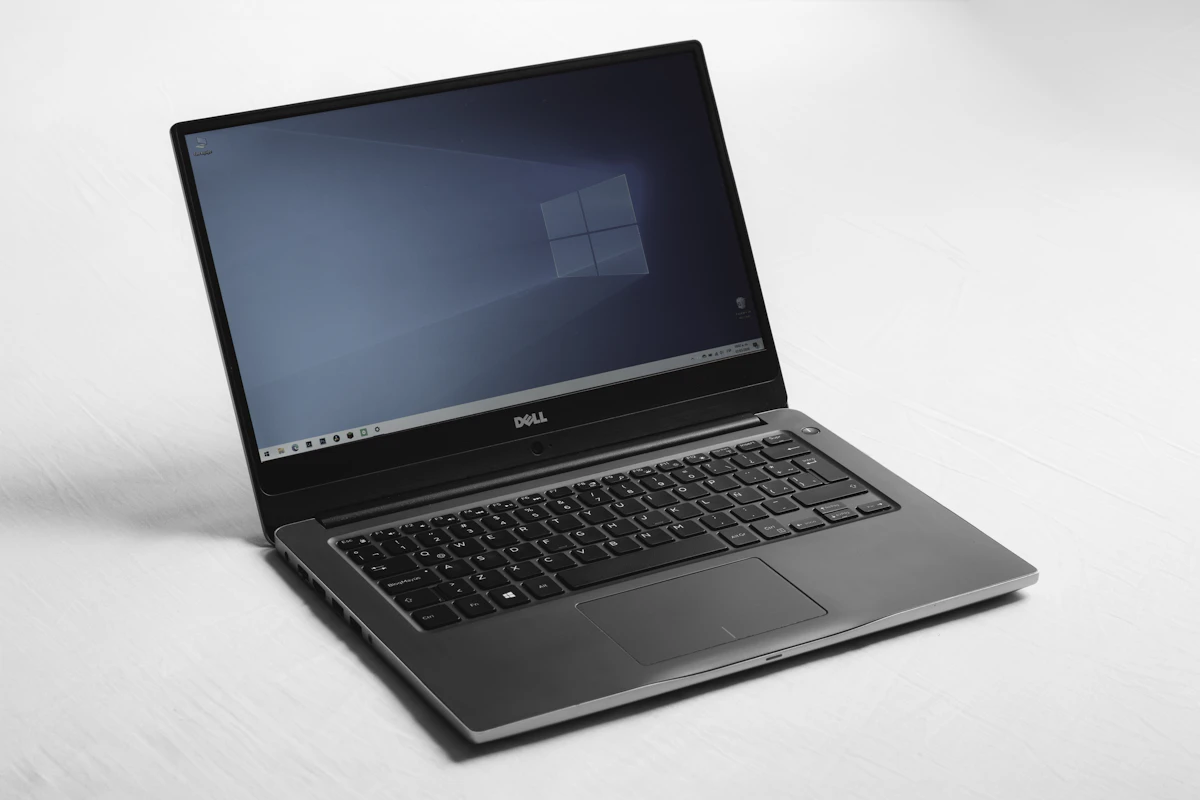
Laptop ports determine which accessories and displays you can connect without extra adapters. Two computers may look similar but offer different combinations of USB, HDMI, audio and network connections. Understanding the labels helps you choose a laptop that fits your existing equipment.
USB-A
The familiar rectangular USB-A port is used for flash drives, mice, keyboards, printers and many other accessories. Different USB generations support different transfer speeds, so check the specification if you regularly move large files.
USB-C
USB-C is a small, reversible connector. However, not every USB-C port supports the same features. Depending on the laptop, it may support data only, display output, charging or a combination of these. Look for the manufacturer's specification for USB Power Delivery, DisplayPort Alt Mode or Thunderbolt support where relevant.
HDMI
HDMI connects a laptop to compatible monitors, TVs and projectors. Check the supported HDMI version and maximum resolution or refresh rate if you plan to use a high-resolution external display. Some laptops require USB-C or a docking station for additional monitors.
Ethernet
An Ethernet port provides a wired network connection. It can be useful for office desktops, large downloads and situations where stable connectivity matters. Thin laptops may omit this port, but a compatible USB adapter can provide wired networking.
Audio and memory-card readers
A 3.5mm audio jack supports many wired headsets and speakers. Some laptops also include SD or microSD card readers, which can be convenient for cameras and content workflows. Confirm the card format and supported speed if this feature is important to you.
Make a port checklist before buying
- How many USB-A accessories do you use?
- Do you need USB-C charging or display output?
- Will you connect a monitor or projector through HDMI?
- Is wired Ethernet important?
- Do you need a memory-card reader or audio jack?
- Would a dock or adapter be necessary?
A laptop with fewer ports can still work well with a docking station, but adapters add cost and items to carry. Check the full port specification for the exact laptop model rather than relying on product-family descriptions. Intech Computer Shop can help compare connectivity before you choose a device.